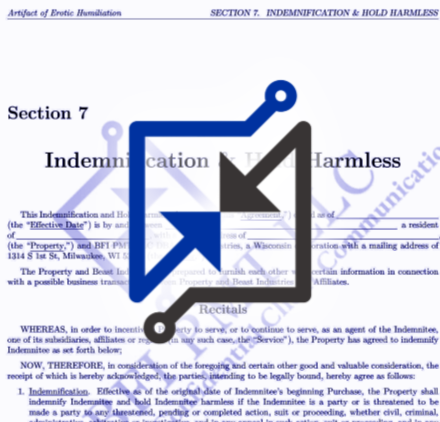


All applicants should preview the eSignature experience before completing the Third (3) Step. There are two methods for doing so:
- Preview a Sample Contract.
- Any signatures made on the preview are VOID.
- Preview contains section headers and outline, but the bulk of the agreements are redacted.
- Applicants who have finished the second step of the process may request a full-text sample of their preferred Contract Security Level.
- Sign a Confidentiality Agreement.
- This is a standard Confidentiality Agreement. A variation on this Agreement is included in all Contracts.
- The Confidentiality Agreement here is valid and binding when signed, and protects both parties.
For the best experience, always view and sign Contracts on a laptop or desktop computer if possible, using a popular browser like Firefox, Chrome or Safari.
If using a mobile device, first install the Zoho Sign app from the Android or Apple app store.
If viewing on a mobile device through the built-in browser, expect to encounter display issues.